PDF to Flashcards: A Practical Workflow for Students
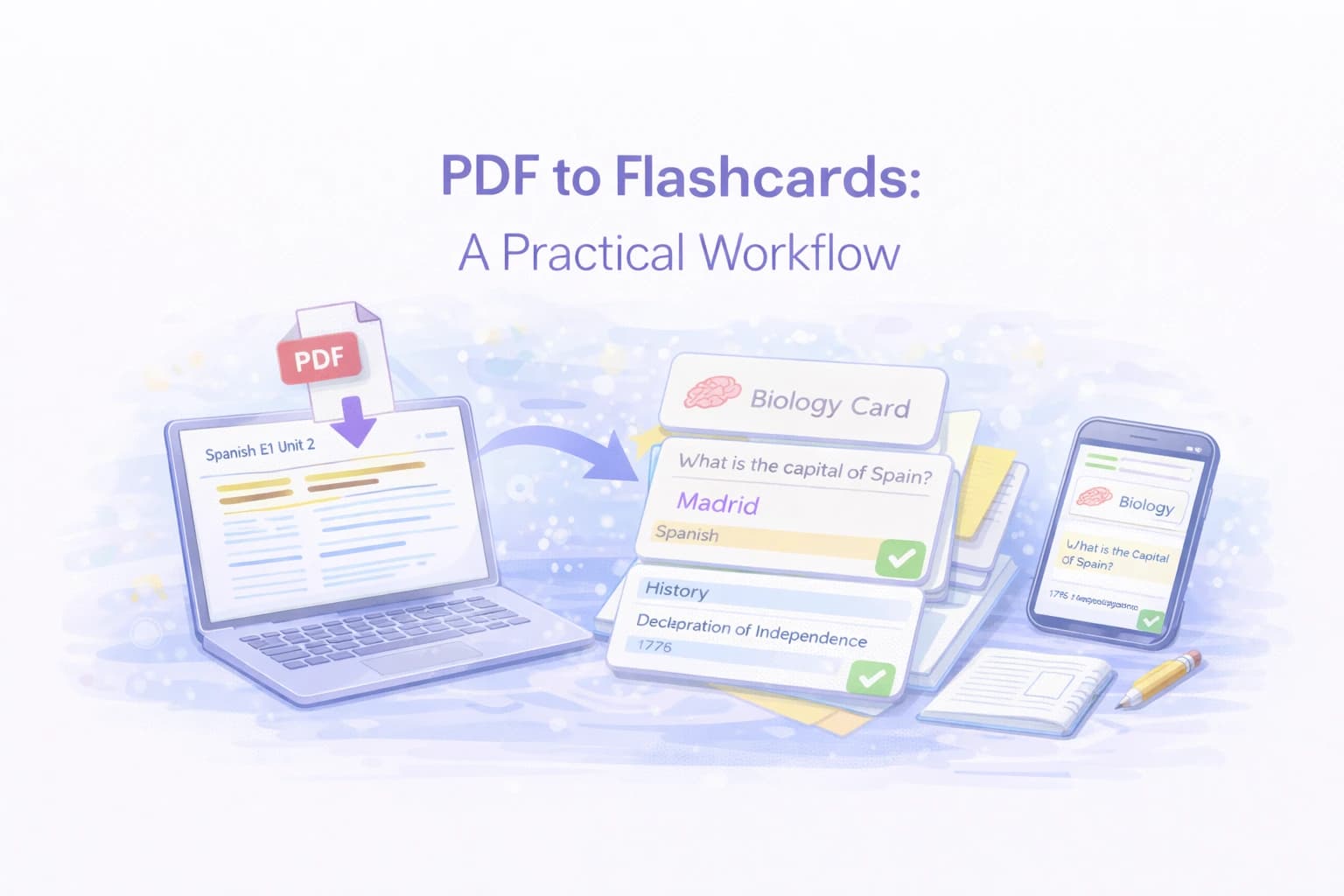
A good PDF workflow turns dense lecture slides and textbook chapters into short, testable flashcards you can review in minutes. Instead of spending hours manually typing cards, AI tools can now extract the key concepts automatically. This guide shows you the exact workflow—from choosing the right PDF to reviewing your cards with spaced repetition.
Quick answer
- Fastest method: Upload your PDF to Laxu AI — get flashcards in under 60 seconds
- Best for control: Create cards manually in Anki from highlighted passages
- Ideal combo: AI-generate first, then edit and add 5-10 manual cards for professor-specific details
Why this matters
Roediger and Karpicke (2006) showed that students who tested themselves with flashcards retained 80% of material after one week, versus 36% for those who just reread. But manual card creation from a 50-page PDF takes 3-4 hours. AI tools cut that to minutes, leaving you more time for what actually improves grades: active review.
Start with the right source
PDFs that contain selectable text are the easiest to process. You can test this by trying to highlight a sentence. If you can select individual words, the text layer is intact and any flashcard tool can read it directly. Most PDFs exported from Word, Google Docs, or LaTeX editors have clean text layers by default.
If your file is a scan, such as a photographed textbook page or a handwritten notes PDF, you need OCR (optical character recognition) to convert the image into machine-readable text. Tools like Adobe Acrobat, macOS Preview, and free options like OCRmyPDF can handle this. The quality of OCR depends on image resolution and contrast. Clean, high-resolution scans produce accurate text. Blurry photos with handwriting will have errors that you will need to correct manually before making cards.
Before you start extracting content, skim the PDF to understand its structure. Note which sections have the densest information, where definitions cluster, and which parts are filler. This saves time later because you will know exactly where to focus.
Step-by-step workflow with Laxu AI
- Upload your PDF: Drag your file into Laxu AI. The system reads the text layer and identifies key concepts, definitions, and structures automatically. You can also upload photos of handwritten notes or record audio from lectures.
- Review the generated cards: Laxu AI creates flashcards from the content. Skim through them to check accuracy. Edit any card where the wording feels off or the answer is too long. This takes about 2-3 minutes for a 30-page PDF.
- Add manual cards: Add 5-10 cards for professor-specific details, exam hints, or tricky concepts the AI might have missed. This hybrid approach gives you the speed of AI plus the precision of manual creation.
- Remove low-value cards: Delete cards that cover filler content, introductory paragraphs, or material you already know well. A smaller deck reviewed consistently beats a large deck you avoid.
- Start reviewing: Begin your first review session immediately. The cards are freshest when the material is still familiar from reading the PDF. This first pass sets the foundation for spaced repetition.
Extract the highest-value material
- Definitions: Terms and their precise meanings. For example, in a biology PDF, "What is mitosis?" with the answer being a one-sentence definition. Skip informal descriptions and focus on the exact phrasing your instructor uses.
- Formulas: Include what each variable represents. A card for "F = ma" should note that F is force in Newtons, m is mass in kilograms, and a is acceleration in meters per second squared. Without variable definitions, the formula is just a string of letters.
- Processes: Ordered steps or checklists. If a chapter describes a five-step lab procedure or a diagnostic workflow, each step can be a separate card or the whole sequence can be one card with numbered steps.
- Comparisons: Similar ideas with key differences. "How does mitosis differ from meiosis?" or "What distinguishes TCP from UDP?" These cards test understanding, not just memorization.
- Common pitfalls: Mistakes that show up on exams. If your professor highlighted a common error in lecture, make a card for it. For example: "Why is it wrong to say whales are fish?" Cards that address misconceptions are highly effective.
How many cards per chapter
A good rule of thumb is 15-30 cards per chapter for a standard textbook. Short chapters with mostly narrative content might only need 10. Dense chapters packed with formulas and definitions could justify 40. The goal is to capture every testable concept without creating cards for background information or examples you will not be quizzed on.
If you find yourself creating more than 40 cards for a single chapter, you are probably including too much detail. Step back and ask: "Would this actually appear on an exam?" If the answer is no, skip it. You can always add cards later if you realize you missed something important. For more on card design principles, see our guide on making flashcards from textbooks.
Turn notes into cards
- Write a clear prompt: "What is X?" or "When do you use Y?" Avoid open-ended questions like "Tell me about X" because they have no single correct answer and are hard to grade during review.
- Keep the back short: One definition or rule. If your answer runs longer than 15-20 words, consider whether it can be split or simplified.
- Split long points: Two facts should be two cards. A card that asks "What are the three laws of thermodynamics?" is really three cards pretending to be one. Split them so each card tests exactly one law.
Quality check before you study
- Trim any answer longer than a short sentence. Read the answer aloud. If you cannot say it in one breath, it needs editing.
- Remove duplicates and near-duplicates. PDFs often repeat key ideas in summaries, introductions, and body text. You only need one card per concept.
- Make sure every question is unambiguous. If a card could have two reasonable answers, rewrite the prompt to be more specific. Ambiguous cards lead to frustration and wasted review time.
- Check for accuracy. Especially with OCR-processed PDFs, numbers, symbols, and special characters may have errors. A misread formula will teach you the wrong thing.
Keep deck sizes manageable
Start with 20-40 cards for a topic. If a PDF is large, split it by chapter or unit so review sessions stay under 20 minutes. A deck of 200 cards reviewed all at once is exhausting and leads to skipped sessions. Five decks of 40 cards each, reviewed on a rotating schedule, is far more sustainable.
Review schedule
Review new cards daily for the first week, then move to every few days. Cepeda et al. (2006) showed that distributed practice produces 10-30% better retention than massed study. A good target is 10-15 minutes per day during the first week after creating a deck, then 5-10 minutes every two to three days as the cards become familiar. For the full science behind optimal timing, see our spaced repetition guide.
PDF to flashcards: tool comparison
There are several ways to turn PDFs into flashcards. Here's how the main options compare:
| Method | Time for 50-page PDF | Card quality | Spaced repetition | Cost |
|---|---|---|---|---|
| Laxu AI | ~2 minutes | High (comprehension questions) | Built-in | Free / $4.99/wk |
| Anki (manual) | 3-4 hours | Custom (you control) | Best algorithm (SM-2) | Free (desktop) |
| Quizlet | ~5 minutes | Medium (surface-level) | Basic | Free / $36/yr |
| Manual (pen & paper) | 3-4 hours | Custom | Manual (Leitner box) | Free |
For a deeper comparison, see our full Laxu AI vs Quizlet vs Anki comparison and the best flashcard apps for students in 2026.
Time saved in real scenarios
Here's how much time you save in typical student scenarios:
- Weekly lecture prep: 30-page slides → ~60 cards. Manual: 2 hours. With AI: 2 min upload + 10 min review. Saves ~1 hour 48 min per week.
- Exam prep (5 subjects): 5 PDFs × 80 pages → ~500 cards. Manual: 15-20 hours. With AI: 10 min upload + 1 hour review. Saves ~14-19 hours.
- Catching up on a full semester: 12 weeks of material. Manual: practically impossible in time available. With AI: upload all PDFs in one afternoon.
Dunlosky et al. (2013) confirmed that practice testing is one of only two "high utility" study techniques. The bottleneck was always creating the test material. AI removes that bottleneck.
Wrap up
PDFs are dense, but a clean workflow makes them manageable. Focus on the most testable material, keep your cards short, and review on a spaced schedule. The combination of targeted extraction and spaced review turns a 50-page PDF into a study system you can maintain in minutes per day.
Try Laxu AI free — upload your first PDF and have flashcards ready to study in under 60 seconds. For more study strategies, explore our guides on active recall, science-backed study techniques, and how to study for finals.
Frequently Asked Questions
How do I convert a scanned PDF to flashcards?
How many flashcards should I create per PDF chapter?
What content from a PDF should I turn into flashcards?
Related articles
Continue learning with these related posts.
Put these techniques into practice
Upload your study materials and let Laxu AI create flashcards, notes, and quizzes automatically.