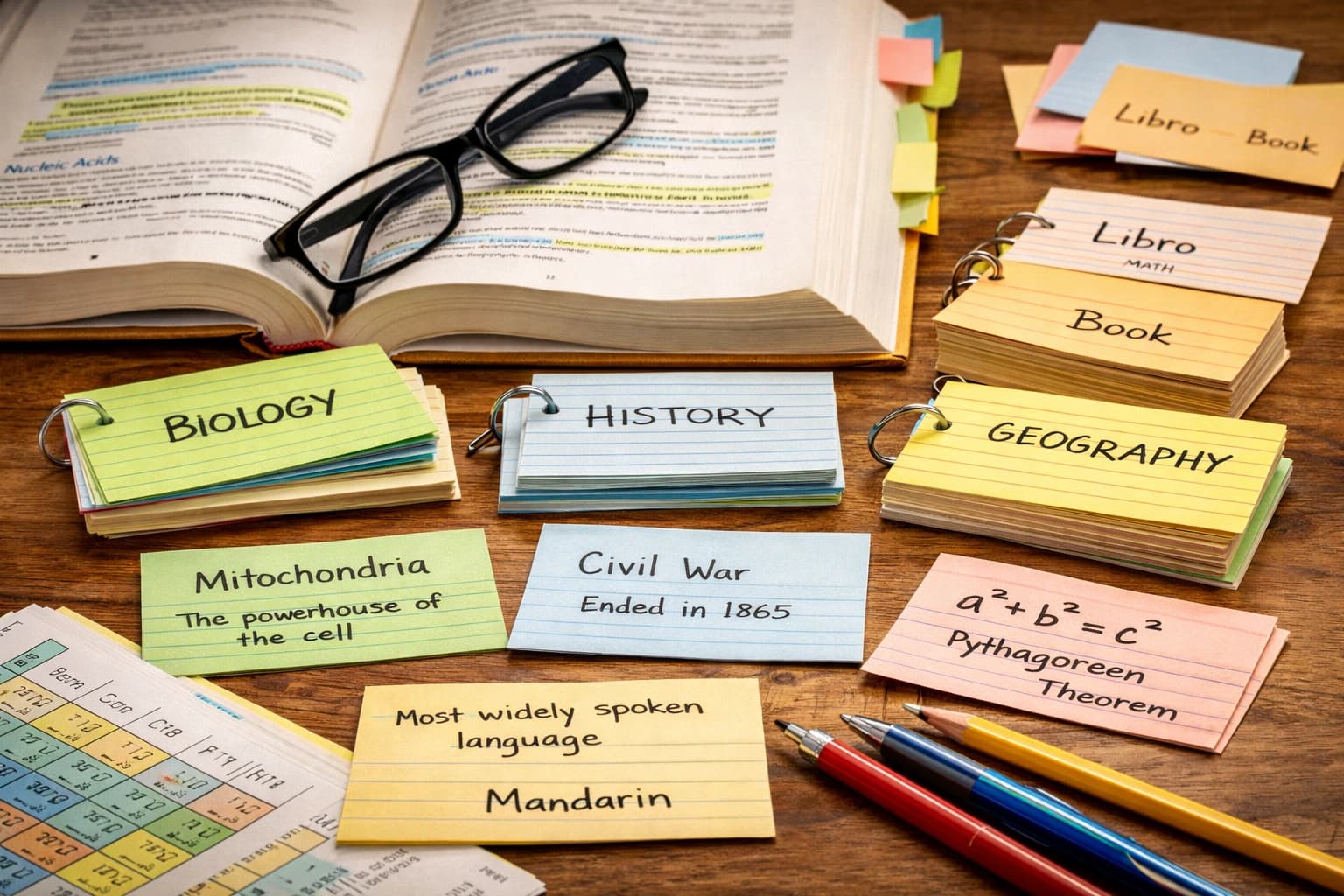
The Cornell method is the most effective all-around note-taking system for most students — but the right choice depends on subject type, lecture style, and how you plan to review. Here's a direct comparison of the top methods so you can pick the best one for your situation.
Best note-taking methods at a glance
- Cornell method works well for review-focused subjects
- Outline method suits hierarchical content
- Mind maps help with big-picture understanding
Why note-taking method matters
Mueller and Oppenheimer's 2014 study, published in Psychological Science, found that students who take notes by hand outperform those who type notes verbatim on conceptual questions — even when laptop note-takers record significantly more content. The method matters because it determines how you process information during encoding and how easily you can retrieve it later.
Good notes serve two purposes: they externalize information so your working memory isn't overloaded during class, and they create a study resource for later review. The best method balances these functions based on the subject, lecture style, and your learning preferences.
Cornell Method
The Cornell method is a structured note-taking system developed at Cornell University that divides your page into three sections: a wide notes column on the right, a narrow cue column on the left, and a summary box at the bottom. During class, take notes in the main section. After class, write questions in the cue column and distill key takeaways into the summary.
Best for: Lecture-heavy courses, exam prep, active review
Drawback: Requires post-class processing time
How to implement Cornell notes
- During class: Write only in the right column (notes section). Capture main ideas, definitions, examples. Don't worry about perfect organization—focus on understanding.
- Within 24 hours after class: Fill the left column (cue section) with questions your notes answer. "What is X?" "Why does Y happen?" "How do you calculate Z?"
- After completing cues: Write a 3-4 sentence summary at the bottom. This forces you to identify the core concepts.
- During review: Cover the notes section, read the cues, and try to recall the answer. This is active recall practice.
Cornell method in practice
Example from a biology lecture on cellular respiration:
Cue column: "What are the 3 stages of cellular respiration?"
Notes column: "Glycolysis (cytoplasm, 2 ATP produced), Krebs cycle (mitochondrial matrix, produces NADH and FADH2), Electron transport chain (inner mitochondrial membrane, produces ~34 ATP)"
Summary: "Cellular respiration converts glucose to ATP through three stages, producing 36–38 ATP molecules total. Most ATP comes from the electron transport chain."
When Cornell doesn't work
Skip Cornell for math-heavy courses where you need space for equations and problem-solving, or for fast-paced lectures where stopping to format notes breaks your flow. Also ineffective for classes that use slides—you end up rewriting slide content instead of adding value.
Outline Method
The outline method is a hierarchical note-taking system that organizes information into main topics, subtopics, and supporting details using indentation to show relationships between ideas.
Best for: Well-structured lectures, textbook readings, subjects with clear hierarchies
Drawback: Less flexible for non-linear discussions
Outline structure
Use consistent formatting:
- Main topics: Flush left, capitalized or bold
- Subtopics: Indent once, numbered or lettered
- Supporting details: Indent twice, bullet points
- Examples: Indent three times, dashes or arrows
Example from a history lecture
I. Causes of World War I
A. Militarism
- Arms race between European powers
- Germany's naval expansion threatened Britain
→ Example: Dreadnought battleships, 1906
B. Alliances
- Triple Alliance: Germany, Austria-Hungary, Italy
- Triple Entente: Britain, France, Russia
Advanced outlining techniques
Use abbreviations consistently: w/ (with), b/c (because), → (causes/leads to), ≠ (not equal/different from). This speeds up note-taking without sacrificing clarity. Create a personal abbreviation key on the inside cover of your notebook.
Color-coding helps in complex outlines: one color for main concepts, another for examples, another for questions to research later. Digital tools like Notion and Obsidian make this easy with tags and blocks.
Mind Mapping
Mind mapping is a visual note-taking technique that starts with a central concept and branches outward into related ideas, using colors, images, and connecting lines to show relationships between information. It works equally well on paper or in digital tools like Miro, MindMeister, or XMind.
Best for: Brainstorming, visual learners, understanding connections
Drawback: Can become messy for detailed content
Creating effective mind maps
- Write the main topic in the center of the page
- Draw 3-7 primary branches for main themes
- Add secondary branches for subtopics and details
- Use single keywords or short phrases, not sentences
- Add colors to group related concepts
- Include simple drawings or symbols as memory anchors
When to use mind maps
Mind maps excel for seeing the big picture. Use them for:
- Essay planning: Central topic in the middle, main arguments as branches, evidence as sub-branches
- Exam review: One map per chapter showing how all concepts connect
- Literature analysis: Character at center, branches for traits, relationships, development arc
- Business case studies: Problem at center, stakeholders, solutions, and consequences as branches
Mind mapping tools
Paper works well for spontaneous mind maps. Digital tools like Miro, Coggle, or MindMeister offer infinite canvas, easy editing, and collaboration features. XMind and FreeMind are free desktop options with robust features.
The Boxing Method
The boxing method is a visual note-taking technique where you draw labeled boxes around each distinct concept or topic on your page, physically separating ideas to prevent overlap and reinforce categorical thinking. Each box contains one topic or idea, making it especially effective for subjects with distinct but related concepts.
Best for: Subjects with multiple independent topics, visual organization
Drawback: Requires good spatial planning
Boxing method execution
Leave space between boxes. As the lecture progresses, add new boxes for new topics. Draw arrows between related boxes. This method works particularly well for:
- Science lectures: Each box contains a distinct concept, formula, or process
- Psychology: Different theories or studies in separate boxes
- Programming: Each function or concept in its own box with examples
- Foreign language: Grammar rules, vocabulary themes, or conjugation patterns in separate boxes
The visual separation helps your brain chunk information into discrete units, making recall easier during exams.
Flow-based method (also called sentence method)
The flow-based method (or sentence method) is a linear note-taking approach where you write continuously as the professor speaks, creating one new line for each distinct point and numbering each line for easy reference. This method prioritizes capturing everything over organization.
Best for: Fast-paced lectures, when you're unclear about what's important, discussions where ideas connect unpredictably
Drawback: Requires significant post-class processing to organize
After class, review your flow notes and convert them to outlines, Cornell notes, or flashcards. The initial capture is comprehensive; the processing creates structure.
Charting method
The charting method is a table-based note-taking system where you create columns for each category and fill in information as the lecture progresses. It is excellent for comparing multiple items systematically.
Best for: Subjects that compare multiple items, historical periods, theories, chemical properties, or literary works
Example for comparing political systems:
| System | Key Features | Examples | Advantages | Disadvantages |
|---|---|---|---|---|
| Democracy | Popular sovereignty, elections | US, France | Representation | Slow decisions |
| Monarchy | Hereditary rule | UK, Japan | Stability | No accountability |
Digital vs. Handwritten notes
Handwriting beats typing for retention: students who handwrite notes score higher on conceptual questions because the physical constraint forces them to process and summarize rather than transcribe verbatim. Digital notes, however, win on searchability and organization. The best approach combines both: handwrite during class to lock in understanding, then digitize key points for long-term review.
The handwriting advantage
Mueller and Oppenheimer's 2014 study, "The Pen Is Mightier Than the Keyboard" (Psychological Science), found that laptop note-takers performed worse on conceptual questions despite writing significantly more words. Handwriting forces active processing — you can't transcribe verbatim, so you must understand the material well enough to summarize it. This deeper encoding improves long-term retention. A 2019 replication by Morehead et al. produced mixed results, suggesting the advantage is strongest for conceptual rather than factual recall tasks.
Handwriting is particularly beneficial for:
- Math and sciences requiring diagrams and equations
- Subjects where you need to draw connections visually
- When you're learning fundamentals and need deeper processing
The digital advantage
Digital notes offer practical benefits:
- Searchability: Find any term instantly across all notes
- Organization: Easy to reorganize, tag, and link notes
- Accessibility: Access from any device, sync automatically
- Integration: Link to source PDFs, embed images, connect to flashcard apps
- Backup: Cloud storage prevents loss from damaged notebooks
The hybrid approach
Many successful students use both:
- Handwrite notes during class for better encoding
- Within 24 hours, review and type key points into Notion or Obsidian
- The review process reinforces learning through spaced repetition
- The digital archive becomes searchable for exam prep
Alternatively, use an iPad with Apple Pencil and GoodNotes—you get handwriting benefits plus digital organization and searchability.
Which method should you choose?
- Math/Science: Outline or Cornell for formulas and procedures. Boxing for distinct concepts like different types of reactions.
- History/Literature: Cornell for themes and analysis. Mind maps for seeing relationships between events or characters.
- Languages: Charting for grammar comparisons. Flashcards combined with any method for vocabulary.
- Creative subjects: Mind maps for brainstorming. Flow-based for exploratory discussions.
- Lecture-heavy courses: Cornell or outline depending on structure
- Discussion-based seminars: Flow-based to capture everything, organize later
Adapting to different lecture styles
Structured lecturer who follows slides: Annotate provided slides rather than writing everything. Add examples, clarifications, and connections.
Unstructured lecturer who jumps between topics: Flow-based notes during class, reorganize into outline or Cornell afterward.
Discussion-based classes: Record key points from each speaker. Note your own reactions and questions for later exploration.
Math/problem-solving classes: Focus on copying problems and understanding steps. Annotate with "why" explanations for each step.
Common note-taking mistakes
- Transcribing verbatim: Writing word-for-word prevents processing. Summarize in your own words.
- Making notes too pretty: Artistic notes are satisfying but time-consuming. Clarity over aesthetics.
- Never reviewing notes: Notes are useless if you don't revisit them within 24 hours. Schedule review time.
- Using too many colors/systems: Complex systems waste cognitive energy on organization instead of learning.
- Not dating or labeling notes: Always include date, course, and topic. You'll thank yourself during finals.
- Ignoring gaps: If you miss something, leave space and get it from a classmate or recording. Don't pretend the gap doesn't exist.
The two-pass note-taking system
Many top students use this approach:
Pass 1 (during class): Quick notes capturing main ideas, examples, and anything emphasized. Don't worry about perfect organization. The goal is capturing information while understanding the lecture.
Pass 2 (within 24 hours): Review and process notes. Add cue questions (Cornell method), reorganize into clear outline, or create mind map of connections. Convert key concepts into flashcards. This second pass converts raw notes into actual learning.
The two-pass system balances comprehensive capture with deep processing. The second pass counts as your first review session—spacing out learning through spaced repetition.
From notes to flashcards
After class, convert your notes into AI flashcards to reinforce learning. The act of creating cards is itself a form of active recall.
Which notes become flashcards:
- Definitions and key terminology
- Formulas and when to apply them
- Cause-and-effect relationships
- Comparisons and contrasts
- Numbered lists or steps in processes
- Anything the professor says "this will be on the exam"
Tools like Laxu AI can automatically generate flashcards from your notes, saving time while ensuring you don't miss important concepts. Upload your notes and get a complete flashcard deck in minutes, then customize cards that need refinement.
The best note-taking system is the one you'll actually use consistently. Try different methods for different subjects, but don't chase perfection. Clear, reviewable notes that help you learn beat beautiful notes that took too long to create. Your notes serve your learning—not the other way around.
Frequently Asked Questions
What is the best note-taking method for college students?
Should I take notes by hand or on a laptop?
How do I convert lecture notes into study material?
Related articles
Continue learning with these related posts.

Put these techniques into practice
Upload your study materials and let Laxu AI create flashcards, notes, and quizzes automatically.