Exam mode · web, iPhone and Android
An AI exam planner built from your own notes.
Add your exam date and what is on it: slides, chapters, past papers. Laxu turns them into a day-by-day plan, teaches every topic with a tutor lesson and checks it with a 5-question quiz.
Free to start · First 3 topics of every plan free
LAXU AI
- Dashboard
- Exam modeNew
- Folders
- Flashcards
- Quizzes
- Podcasts
- Progress
Exam mode
BIOL201 Week 1 + 1 more
2 of 9 topics done
Today
2 topics · about 20 min
Tomorrow
2 topics · about 25 min
- exam plans built
- 648
- students planning an exam
- 503
- tutor lessons written
- 1,866
Since exam mode launched on 4 October 2026, counted on 25 October 2026.
How the exam planner works.
You make three choices. The planner reads your material and does the rest.
Step 1 of 4
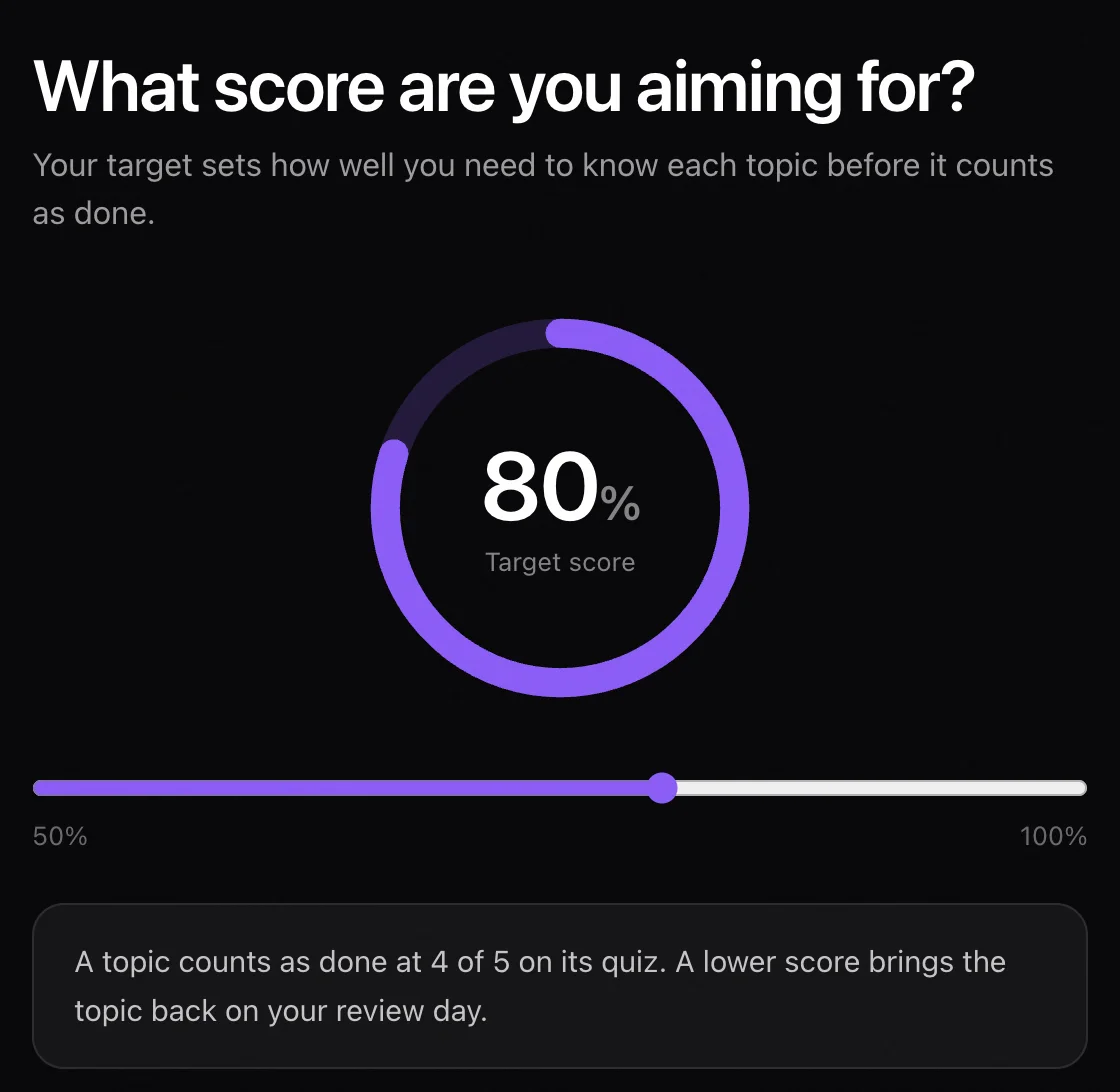
Pick your exam date and target score
Choose the day, then the score you are aiming for, from 50 to 100%. The target sets the bar for every topic: at 80%, a topic counts as done when you get 4 of its 5 quiz questions right.
Step 2 of 4
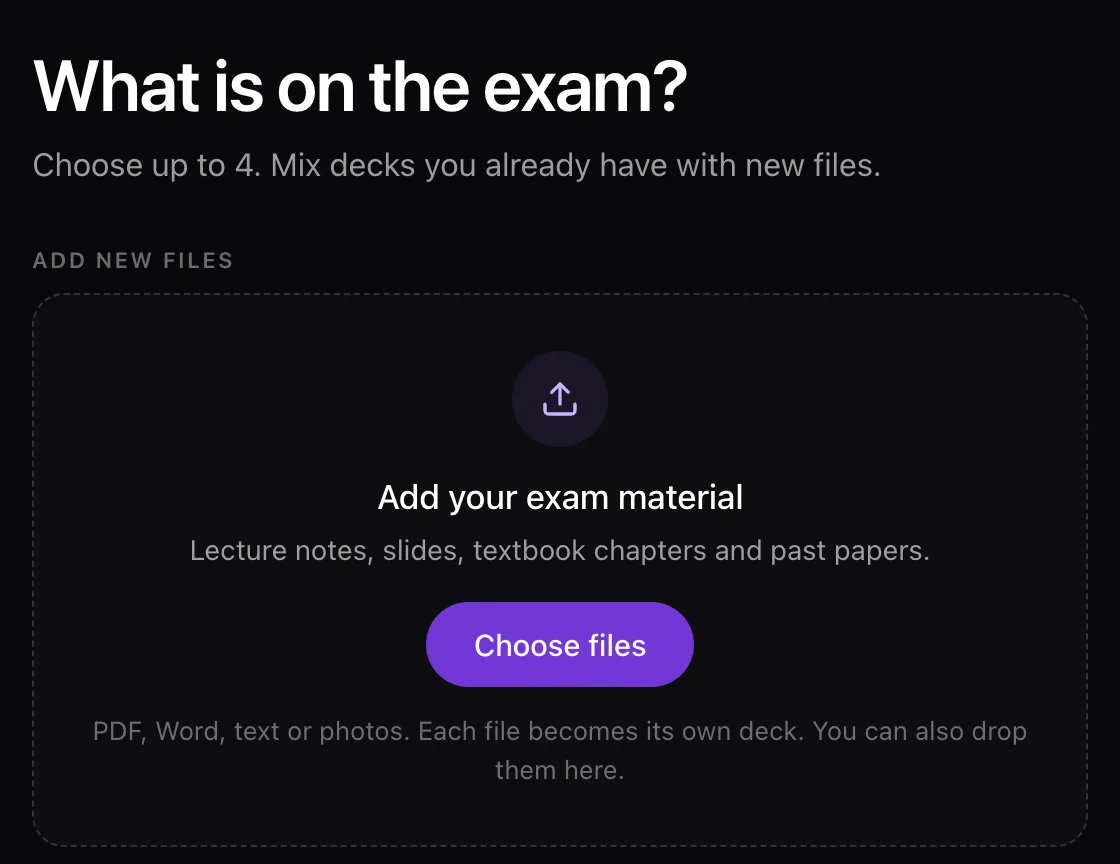
Add what is on the exam
Up to four files or decks per plan: lecture notes, slides, textbook chapters, past papers. PDF, Word, text and photos all work, and you can mix new files with decks you already have. Each new file is read and turned into notes first.
Step 3 of 4
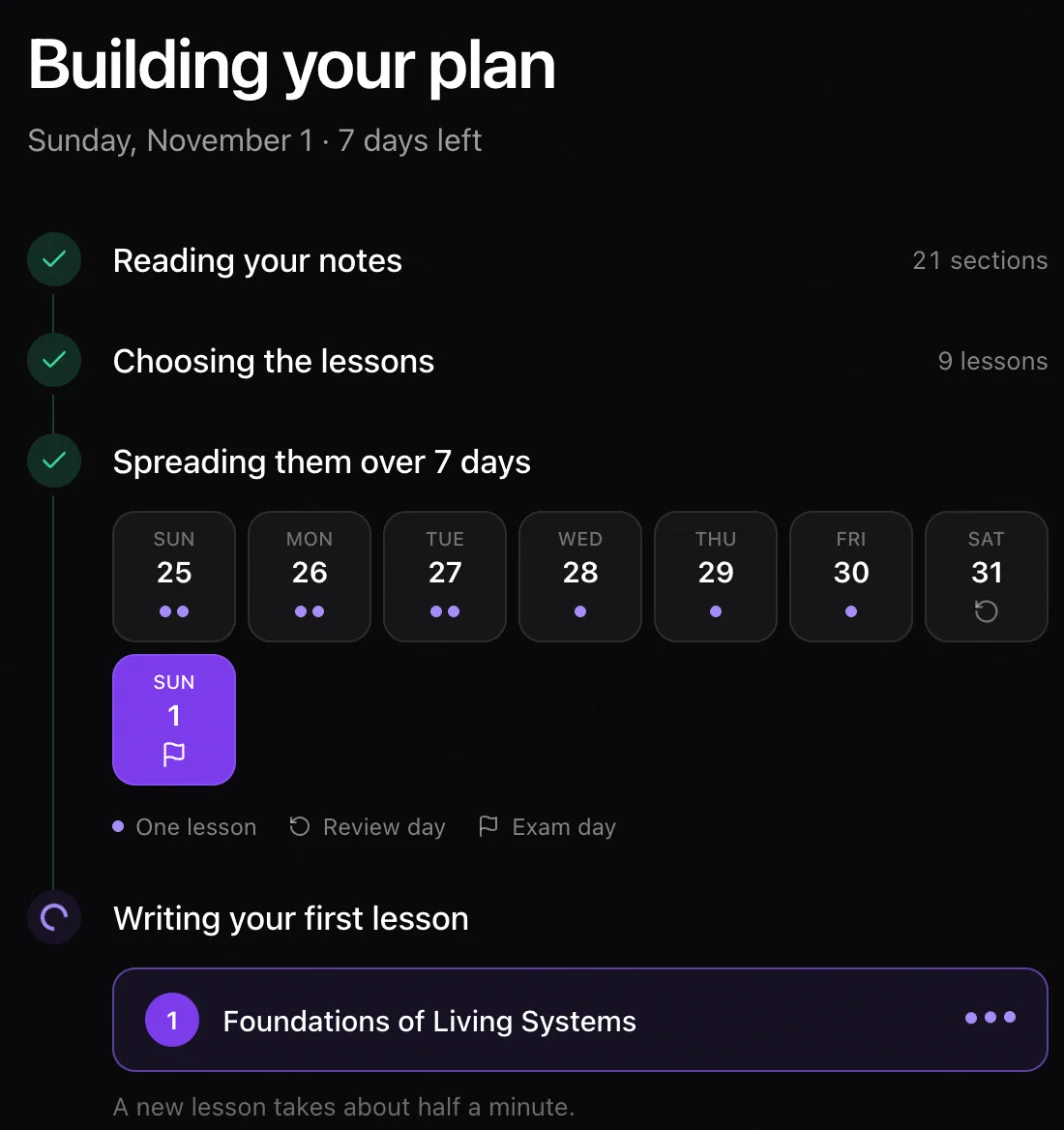
Get a day-by-day plan
The planner reads your notes and chooses the lessons. Small or closely related sections are merged, and anything too minor to be examined on its own is left out. Lessons are spread over the days you have, and with three or more days to go, the day before the exam is kept for review.
Step 4 of 4
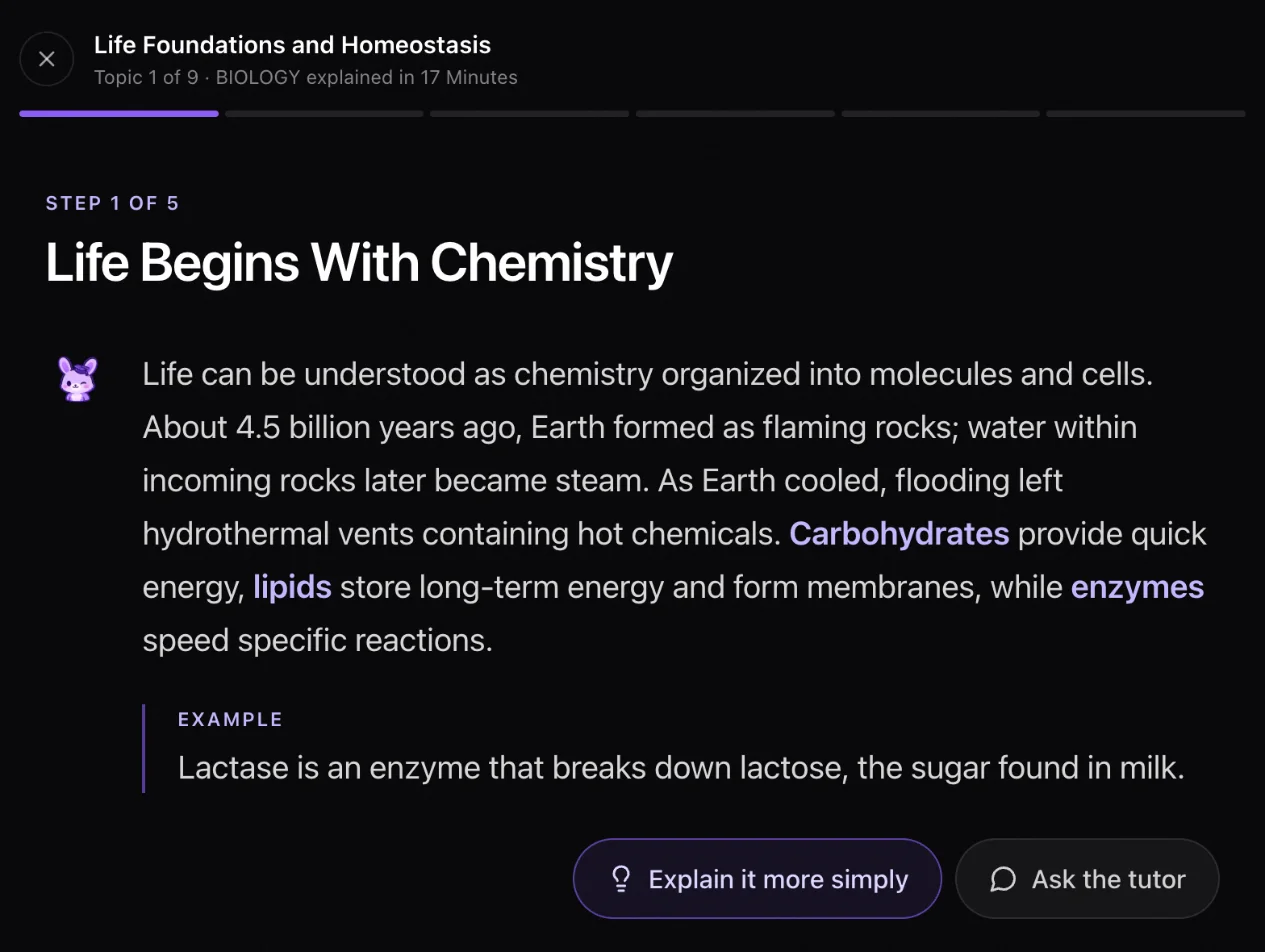
Learn each topic with a tutor
A lesson is a few short steps in plain words, each with an example. If a step does not land, tap Explain it more simply or ask the tutor. A new lesson takes about half a minute to write.
After every topic
A quiz closes every topic
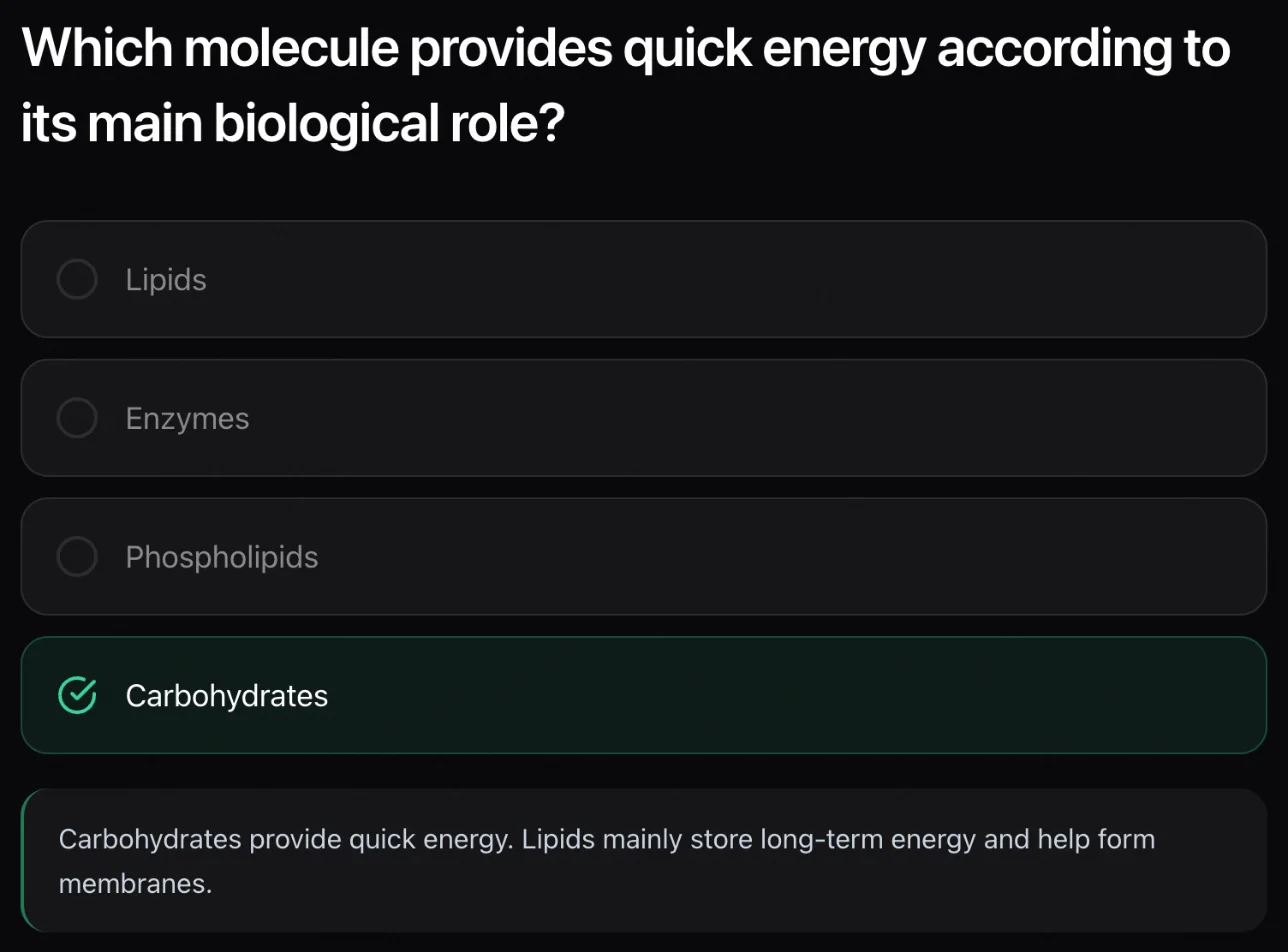
Five multiple-choice questions, from easy ones to small cases that ask you to apply the idea. Reach your target and the topic is done. Fall short and it still counts for the day, but it comes back on your review day with every question you missed.
- Questions you missed
- Saved as you go, then redone one by one.
- Topics to repeat
- Any topic that scored below your target.
- Practice test
- One mixed test across every topic, if you added it.
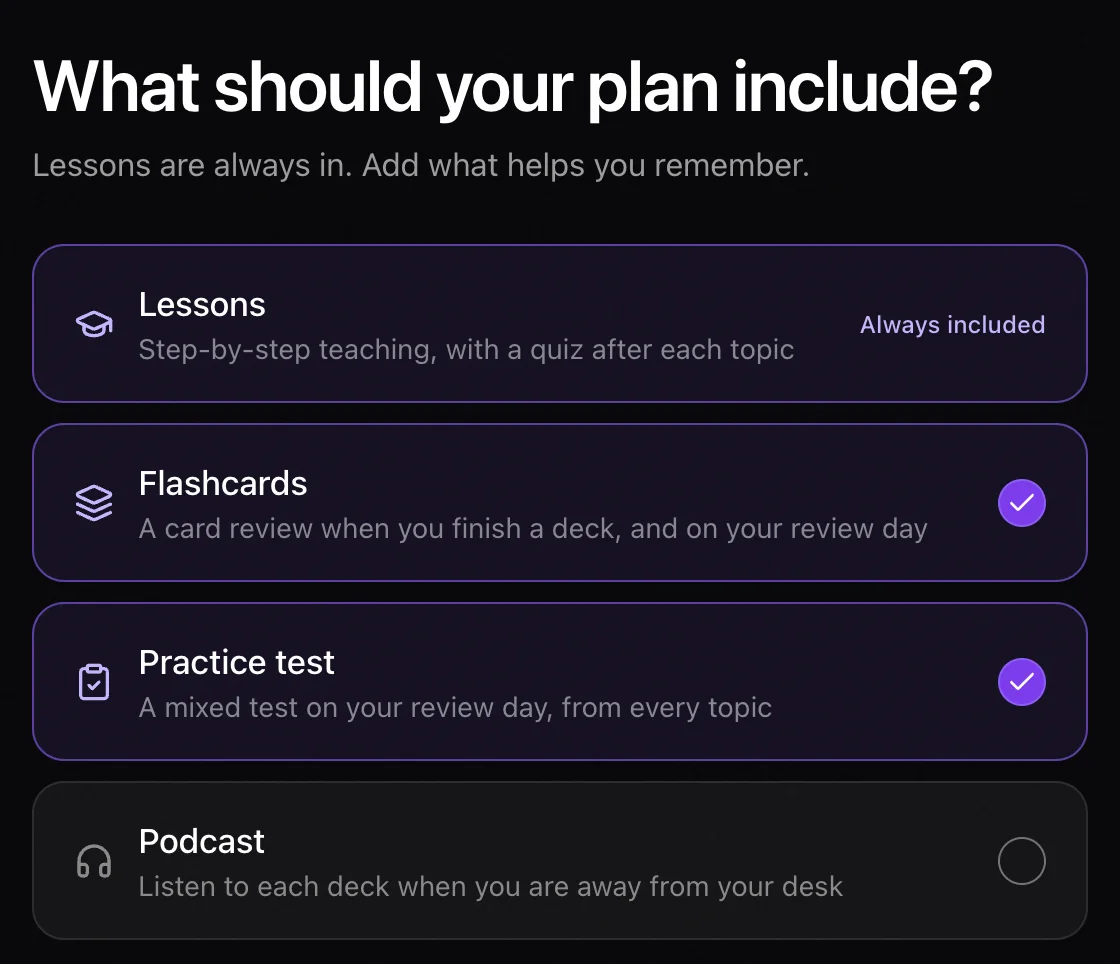
Optional
Add flashcards, a practice test or a podcast
Lessons are always in the plan. On the last setup screen you can add flashcards that come back on review day, a mixed practice test, and a two-host podcast for each deck, for the bus or the gym.
Every file you add also becomes a regular Laxu deck, so its notes, flashcards and quiz are there outside the plan too.
Example: a 7-day study plan for a biology exam.
Built on 24 October 2026 for an exam on Saturday 31 October, from two study sets: a week-one biology lecture and a 17-minute biology explainer. From 21 sections of notes, the planner chose 9 lessons. The first two days came to about 20 and 25 minutes.
- Sat 24 OctLessons 1 and 2: life foundations and homeostasis; membrane structure and fluidity
- Sun 25 OctLessons 3 and 4: passive transport and osmosis; active and bulk transport
- Mon 26 OctLessons 5 and 6
- Tue 27 OctLesson 7
- Wed 28 OctLesson 8
- Thu 29 OctLesson 9
- Fri 30 OctReview day: missed questions, topics to repeat, flashcards, practice test
- Sat 31 OctExam
How to study for an exam in 7 days.
Planning by hand works too. This is the same idea as a schedule you can follow on paper, from our 5-minute video.
- Day 1. Gather every source, split it into topics and find out the exam format.
- Days 2 to 5. Learn one or two topics a day and test yourself on each. Re-test yesterday's topic and the one from three days back.
- Day 6. Take a timed practice exam with every topic mixed, and list every wrong answer.
- Day 7. Re-test only that list, then stop early and sleep.
Why testing beats re-reading: in Roediger and Karpicke (2006), students who tested themselves remembered 61% of a passage a week later. Students who only re-read it remembered 40%.
How to Study for an Exam in 7 Days (Day-by-Day Plan), 4:46.
What the planner will not do.
It teaches from what you give it.
With no notes, slides or past papers, it has nothing to plan from. It does not bring its own syllabus.
Four sources per plan.
A whole course may need two plans, one for each half.
Short on time means fewer lessons.
With only a day or two, the planner merges harder and keeps what is most likely to be examined.
Free covers the start.
The first 3 topics of every plan are free; the rest of a plan needs Premium.
Questions students ask.
What is an AI exam planner?
A study planner built around one exam: it turns your exam date and your course material into a day-by-day study schedule. Laxu's planner reads your own notes, slides or past papers, chooses the topics worth a lesson, spreads them over the days before your exam, and teaches each one with a short tutor lesson followed by a quiz.
Is the exam planner free?
You can start for free, with no credit card. A free account can set up a plan from up to four new files, and the first 3 topics of every plan are free. Premium unlocks the rest of each plan.
What can I upload?
PDF, Word, plain text and photos: lecture notes, slides, textbook chapters and past papers. You can use up to four files or existing Laxu decks in one plan.
How many days before the exam should I start?
Any number works: the planner fits the lessons into the days you have and merges harder when time is short. A week or more gives each topic its own day and leaves the day before the exam free for review. In studies of spaced practice, a gap of one to three days between sessions worked best for a test a week away.
What happens if I fail a topic quiz?
The topic still counts as finished for that day, but it comes back on your review day, together with every question you missed. Scores at or above your target mark the topic as done.
Does it work on my phone?
Yes. Exam mode is in the Laxu AI web app and in the iPhone and Android apps.
Start with your exam date.
Add your notes and pick the day. Your first lesson is ready in about half a minute.
Create my exam plan