Turn a lecture recording into flashcards, notes and a quiz
Most AI study tools will not open an audio file. They expect text, so a recorded lecture means transcribing it somewhere else first and pasting the result in. Laxu AI takes the recording directly — which matters, because a lot of what you are examined on is said out loud and never written down.

What you need: a recording in MP3, M4A or WAV, up to about 2 hours. Or just record inside the iOS or Android app and skip the file entirely.
1. Capture the audio
The apps on iOS and Android have a recorder built in, so you can start it at the beginning of class and it goes straight into processing when you stop. On the web you upload a file.
One thing worth getting right: put the phone as near the front as you reasonably can. Everything downstream is built from the transcript, so a clean recording from row three beats a muddy one from the back.
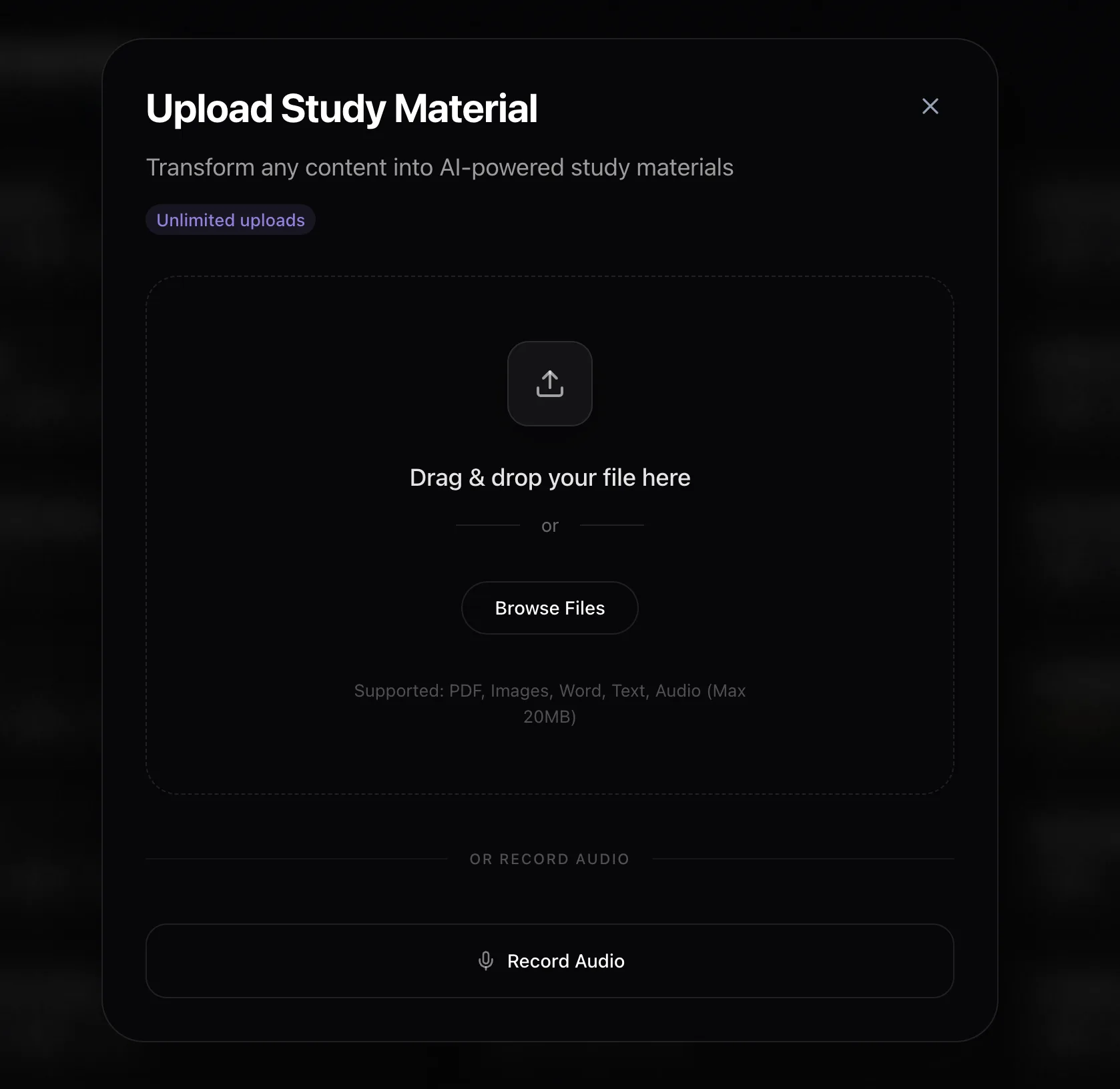
2. Upload and let it transcribe
Audio is slower than text, because it has to be transcribed before anything can be read. A PDF or a pasted chapter is usually done in under 90 seconds; a full lecture takes longer. You do not have to sit and watch it. The app tells you when the deck is ready.
3. Read the notes before you trust the cards
This is the step people skip. Open the summary notes first. They are the quickest way to see whether the transcript came through cleanly — if a term was consistently misheard, you will spot it in the notes in about ten seconds, and you will know not to trust the cards built from the same transcript.
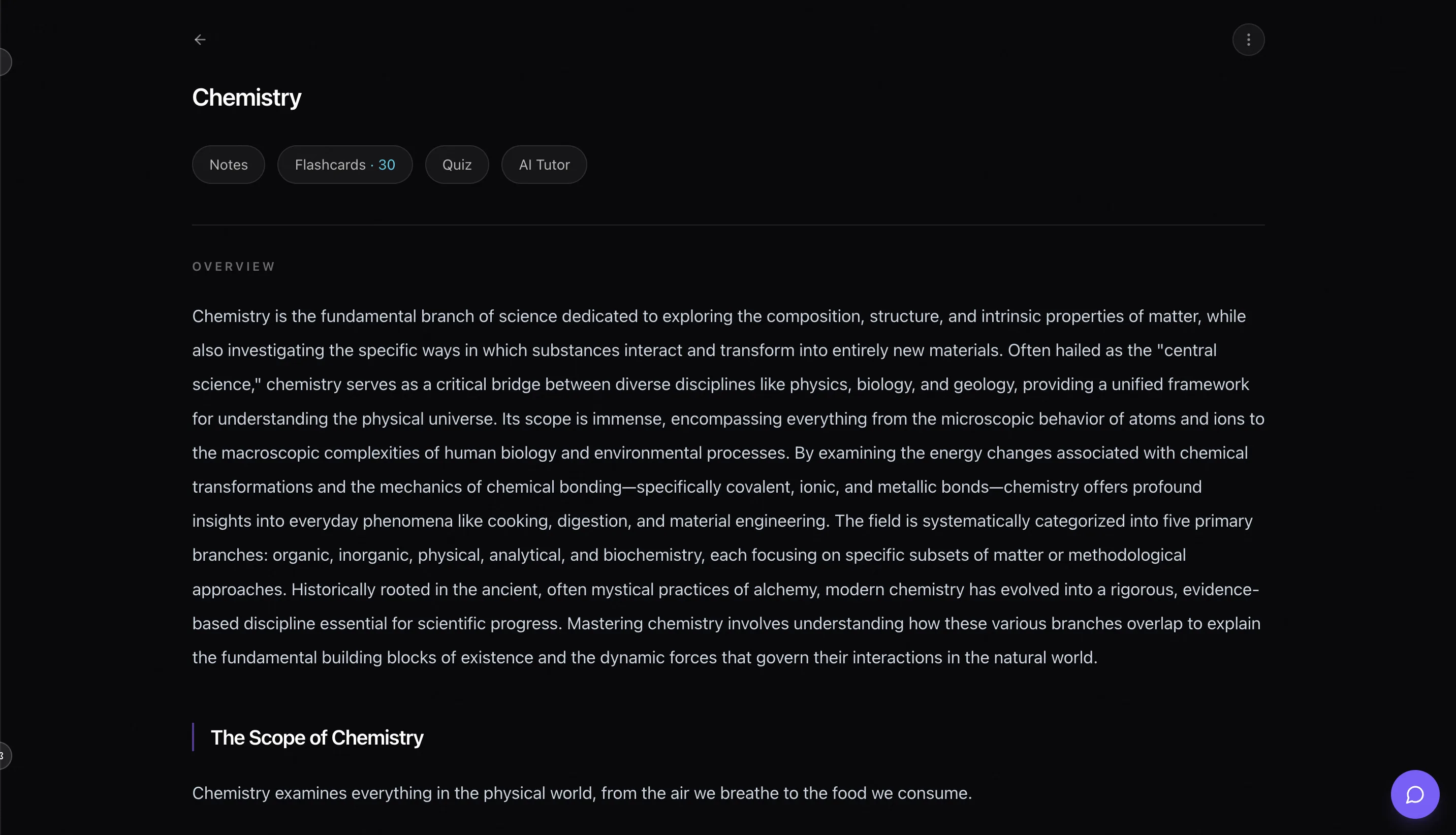
4. Generate the quiz and the flashcards
From the deck, open the Flashcards and Quiz tabs. Questions come in four formats: multiple choice, true/false, fill-in-the-blank and short answer.
In our own testing on a 12-minute psychology lecture, this produced 15 questions — two of which were about an analogy the lecturer used out loud that appeared nowhere in the assigned reading. That is the case for recording in the first place.
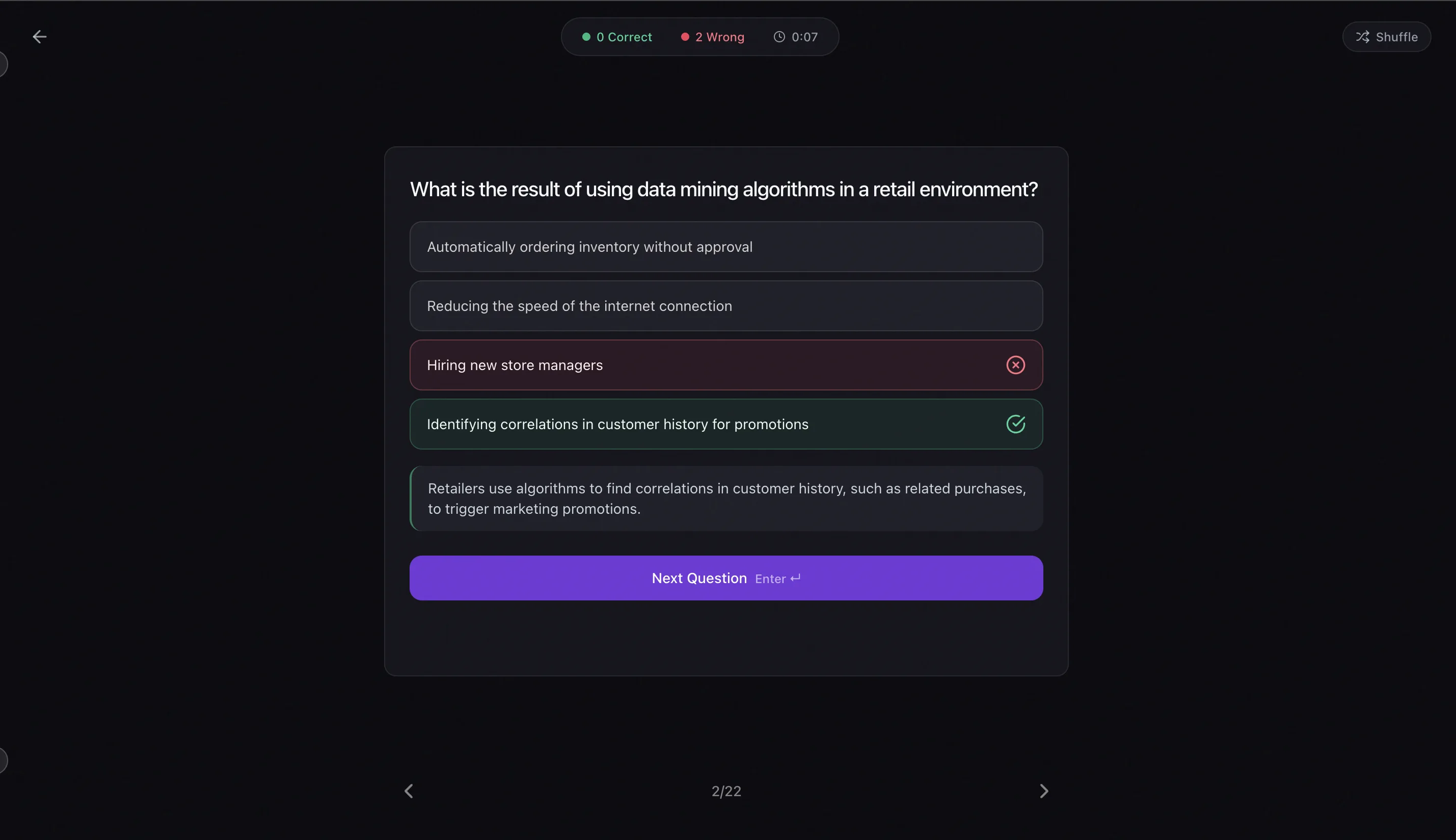
5. Let the wrong answers do the work
Questions you get wrong become flashcards automatically and return on a spaced repetition schedule. You do not have to notice your own weak spots and act on them, which in practice is the step almost everybody skips.
Where this does not work well
- Very noisy rooms, or a lecturer who is far from the microphone. If the transcript is poor, everything built from it is poor.
- Lectures that are mostly worked equations on a board. Nothing said aloud means nothing to transcribe, so photograph the board and use image upload instead.
- Recordings much beyond two hours. Split them at a natural break.
Common questions
What audio formats and lengths does Laxu AI accept?
MP3, M4A and WAV, plus most other common formats. Recordings up to about 2 hours transcribe reliably. You can also record directly inside the iOS and Android apps rather than uploading a file.
How long does a lecture recording take to process?
Audio takes longer than text because it has to be transcribed first. A short recording is typically ready in a couple of minutes; a full-length lecture takes longer, and the app will tell you when it is done rather than making you wait on the screen. Text and PDF uploads are much faster, usually under 90 seconds.
Does it pick up things the lecturer said that are not in the slides?
Yes, and that is the main reason to record. The material is generated from the transcript, not from the reading. In our own testing on a 12-minute psychology lecture it produced 15 questions, two of which were about an analogy the lecturer used out loud that appeared nowhere in the assigned text.
Can I record the lecture live instead of uploading a file?
Yes. The iOS and Android apps have a recorder built in, so you can start it at the beginning of class and the recording goes straight into processing when you stop. On the web you upload a file.
What if the audio is noisy or the lecturer has a strong accent?
Transcription handles most classroom audio, but quality matters: a phone on the desk near the front will beat one at the back of a lecture hall. If the transcript comes out garbled, the flashcards will too, so it is worth skimming the notes first before you trust the cards.
Is this free?
Your first upload is free and needs no card. After that, Pro is $4.99/month or $39.99/year, which also unlocks Anki export.